Writing, scanning, sending – from paper to digital media
Nikolai Knopp-Stockfisch (Die Diskette Schaffhausen)
In the 1980s, computers declared war on paper, and the advent of the futuristic, paperless office seemed inevitable. Yet paper remained. So bridges had to be built to transfer information from the analogue world into the digital realm, where it could be stored and transmitted.
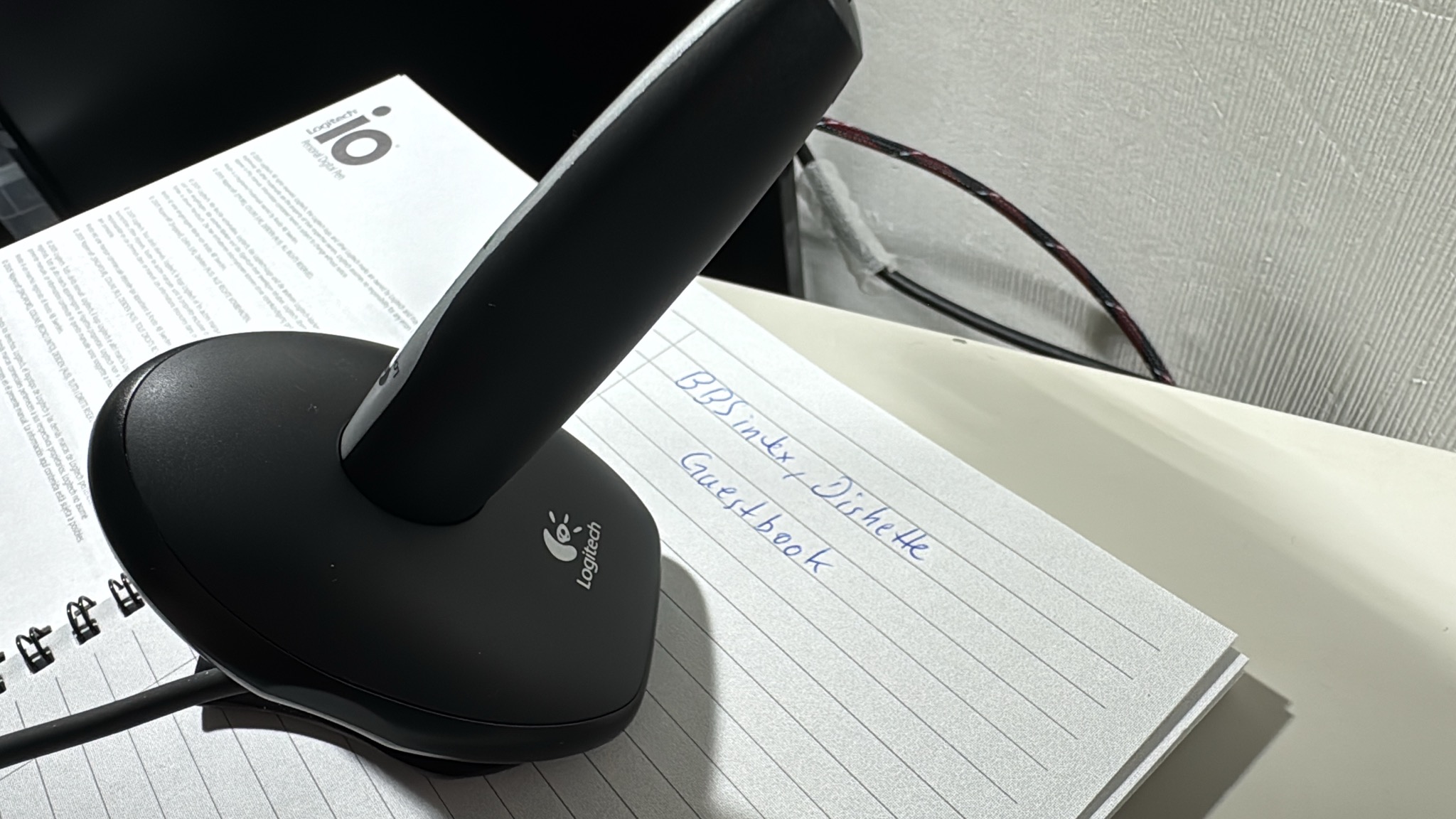
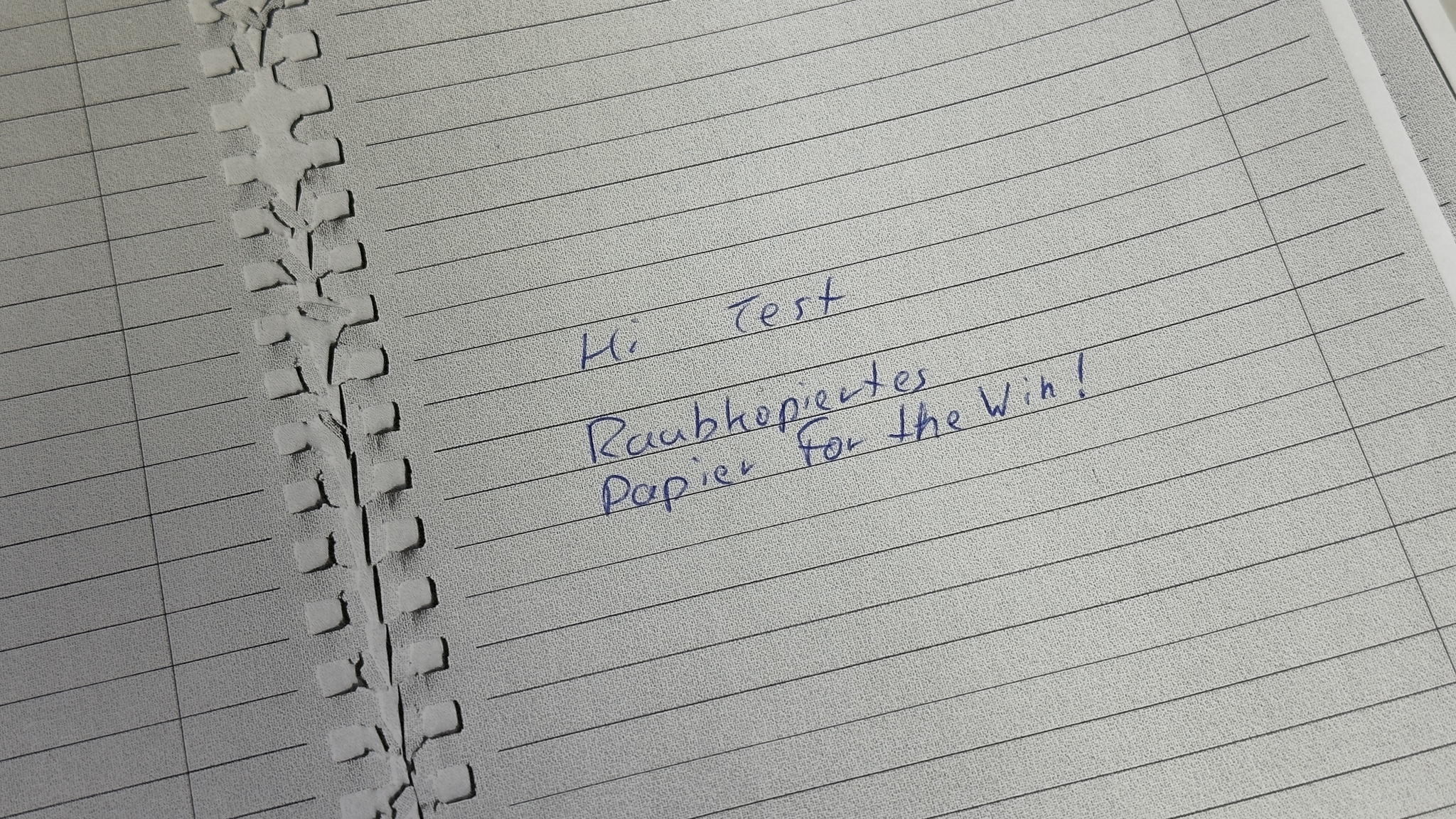
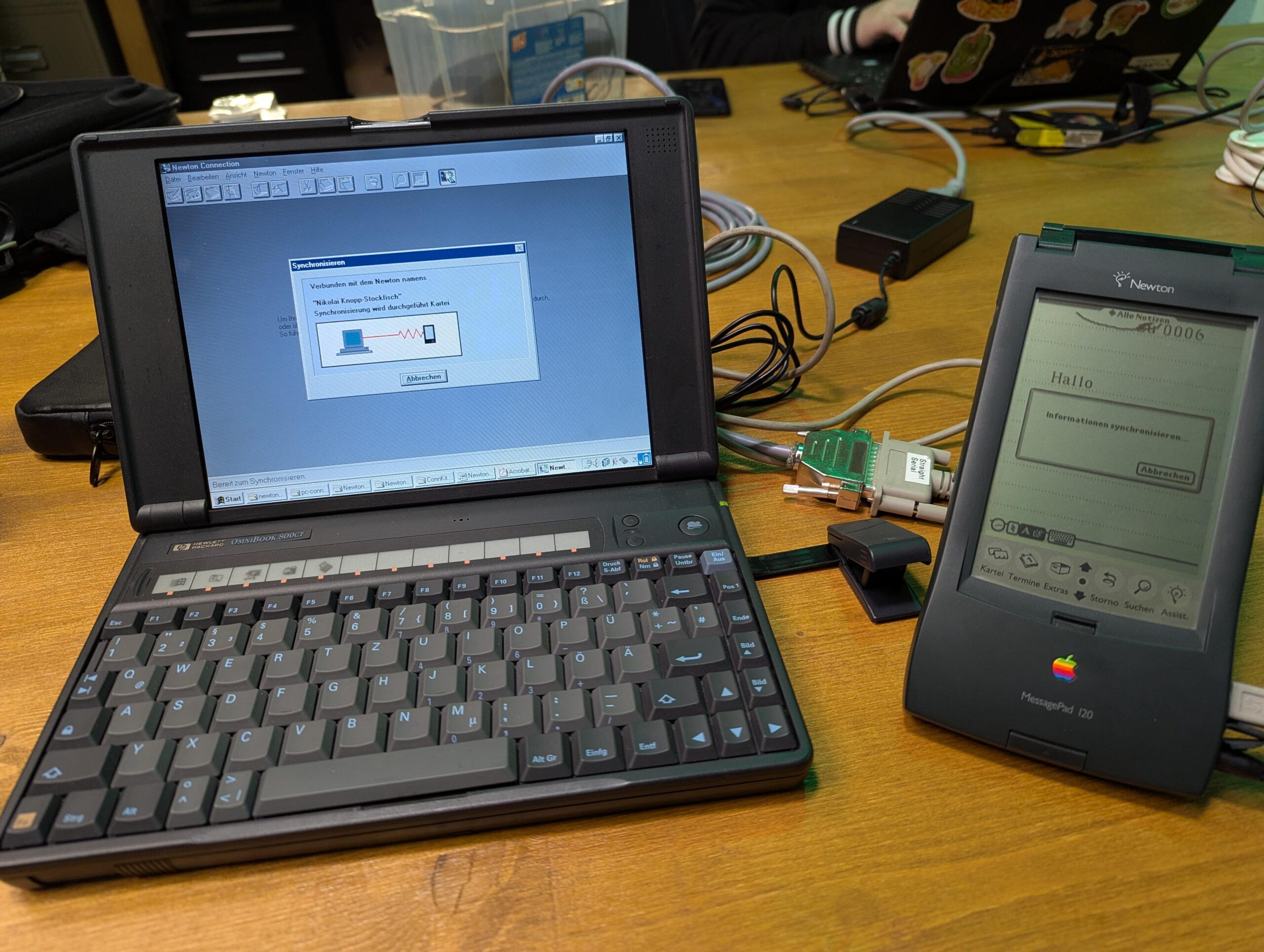
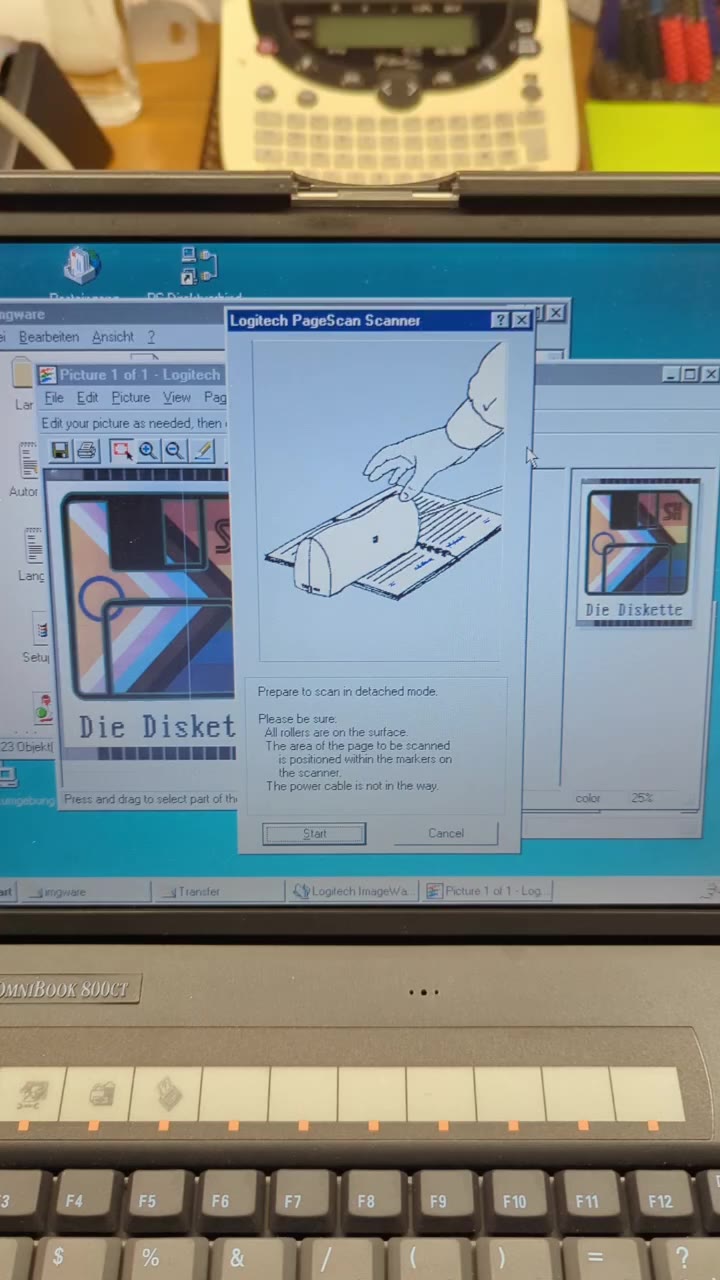
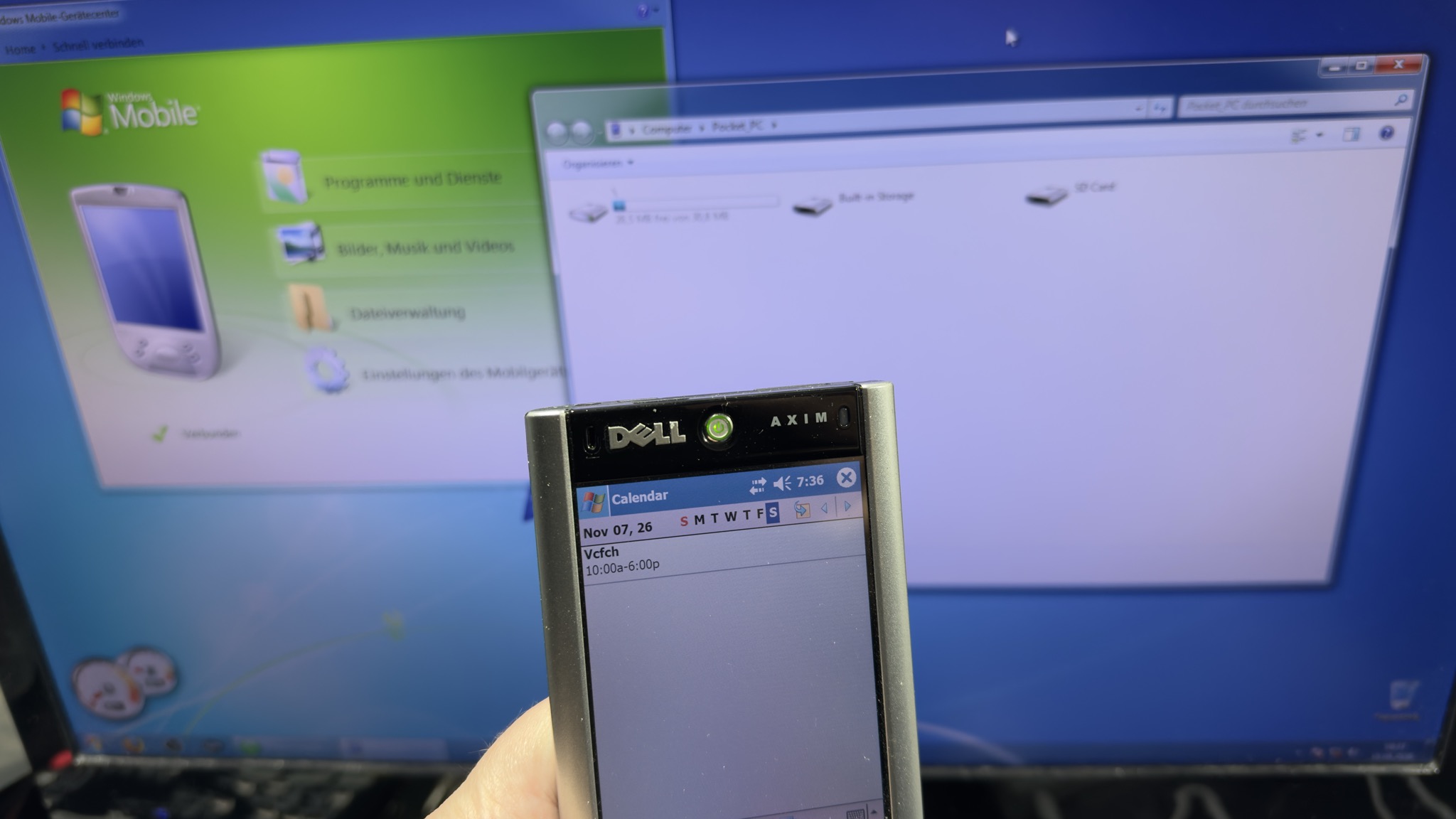
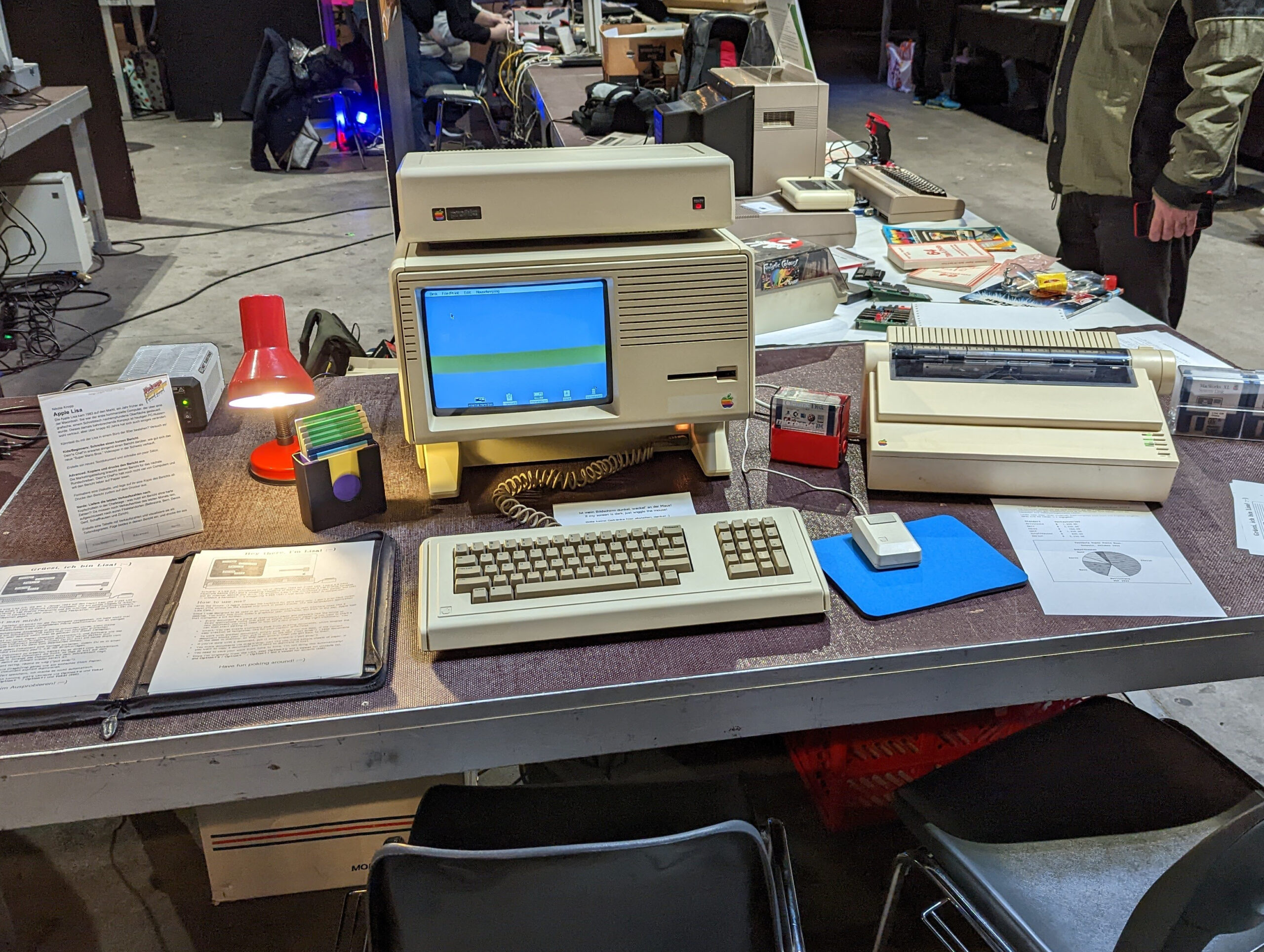
Try out input devices that take different approaches: a pen that records digitally, jacket-pocket-sized and self-propelled scanners, digital cameras that save images to floppy discs, as well as more (Apple Newton and Dell Axim PDAs) or less (Apple Lisa) portable computers that sought to bypass paper entirely. Then upload your notes to a mailbox via a modem, beam scans via infrared connections, or email your floppy-disk photos to yourself at home.
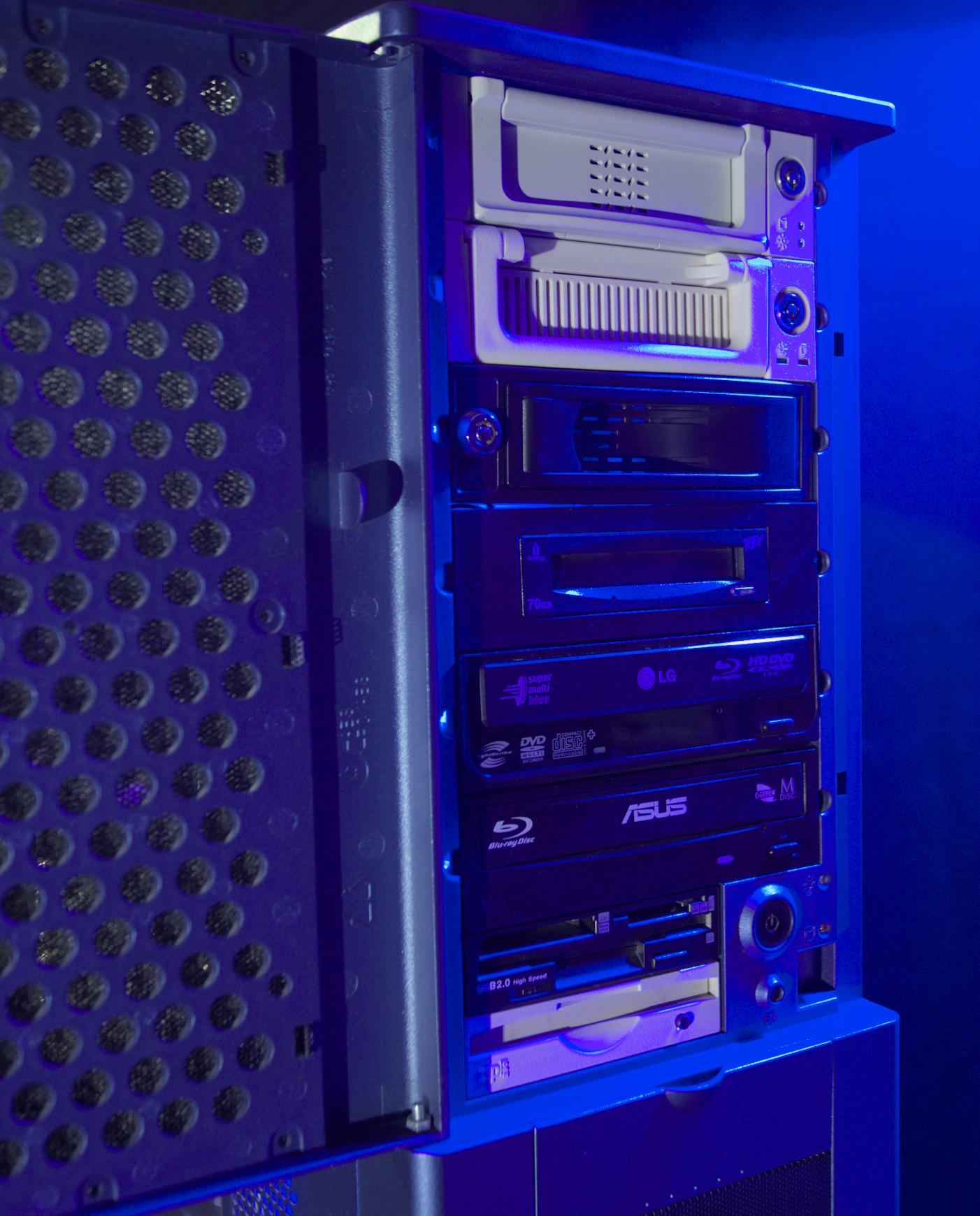
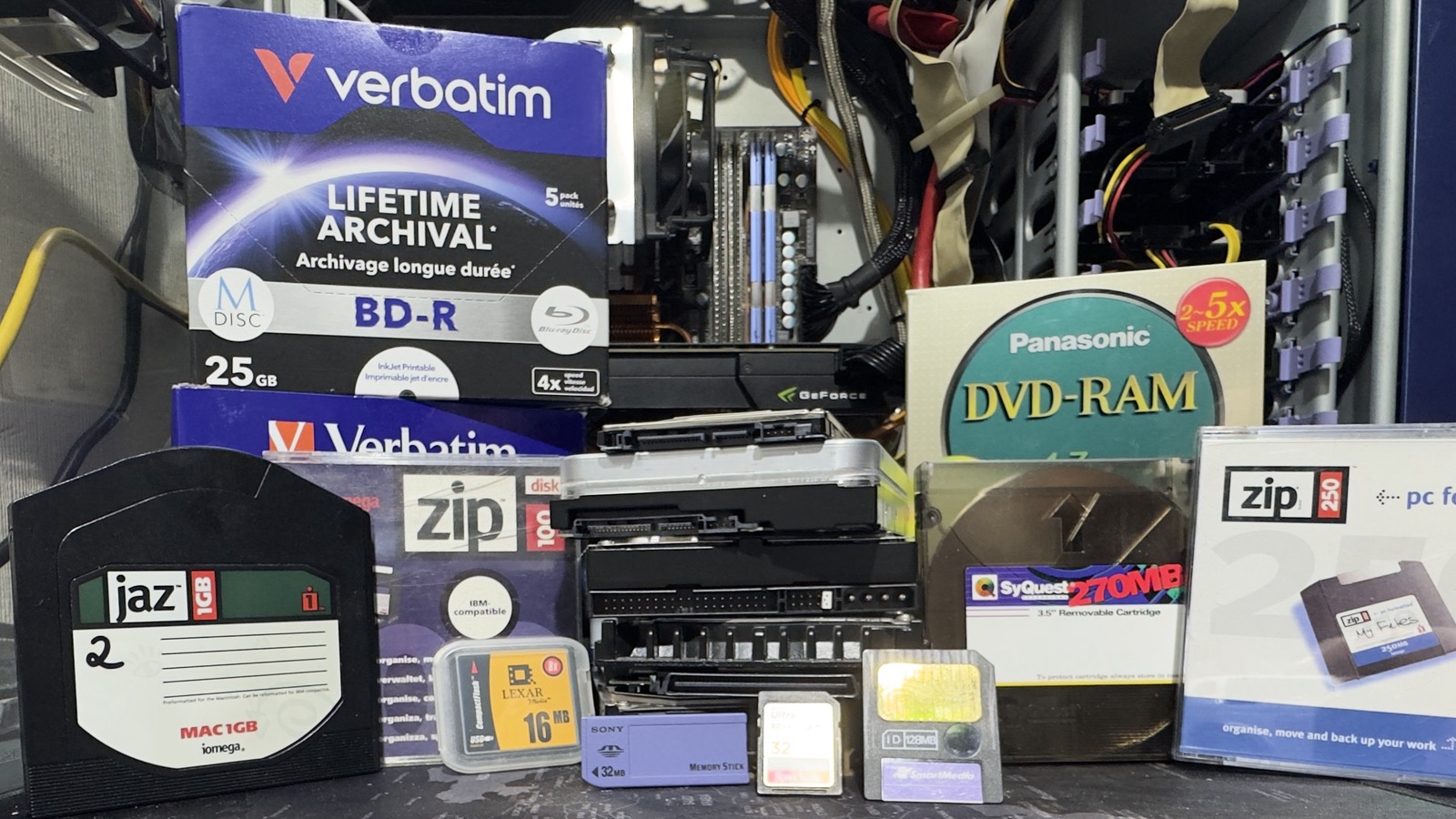
Whilst paper notes and printouts can still be read without any problems even decades later, many data storage media from the 1990s and 2000s are no longer supported by today’s PCs. Do you still have old media that you can no longer read? Bring them along with a USB stick, and we’ll bring them into the present day using the “MediaMonster PC”. It supports the following formats and media:
- IDE removable caddies for 2.5” / 3.5” HDDs
- SATA removable caddies for 3.5” HDDs
- SCSI (50-pin) / SCSI UW (64-pin) / SCSI UW320 (80-pin) removable caddies for 3.5” HDDs
- Iomega Jaz (1GB)
- Iomega ZIP (100MB, 250MB)
- Iomega REV disc (35GB, 70GB)
- 3.5” floppy disc (1.44MB)
- Memory cards: CF (Compact Flash Card), MicroDrive, SD (Secure Digital Card), SmartMedia Card, Memory Stick (Sony)
- CD (CD-R, CD-RW, mini CD)
- DVD (DVD, DVD+R, DVD-R, DVD-RW, HD-DVD)
- Blu-ray (BD, BDXL)
- MDisc (DVD+R, BD-R, BD-R BDXL)
- RS232 Serial
- SyQuest 44, 88, 200, 270MB
- External drives with USB 2.0 / 3.0, FireWire, eSATA or SCSI (50CN – Centronics, 25 D-Sub – Mac)